
-
The following examples illustrate the user interface for a residential care setting (e.g. a nursing home).
-
In other care settings, terminology and individual steps may differ, but the underlying functional logic is comparable.
-
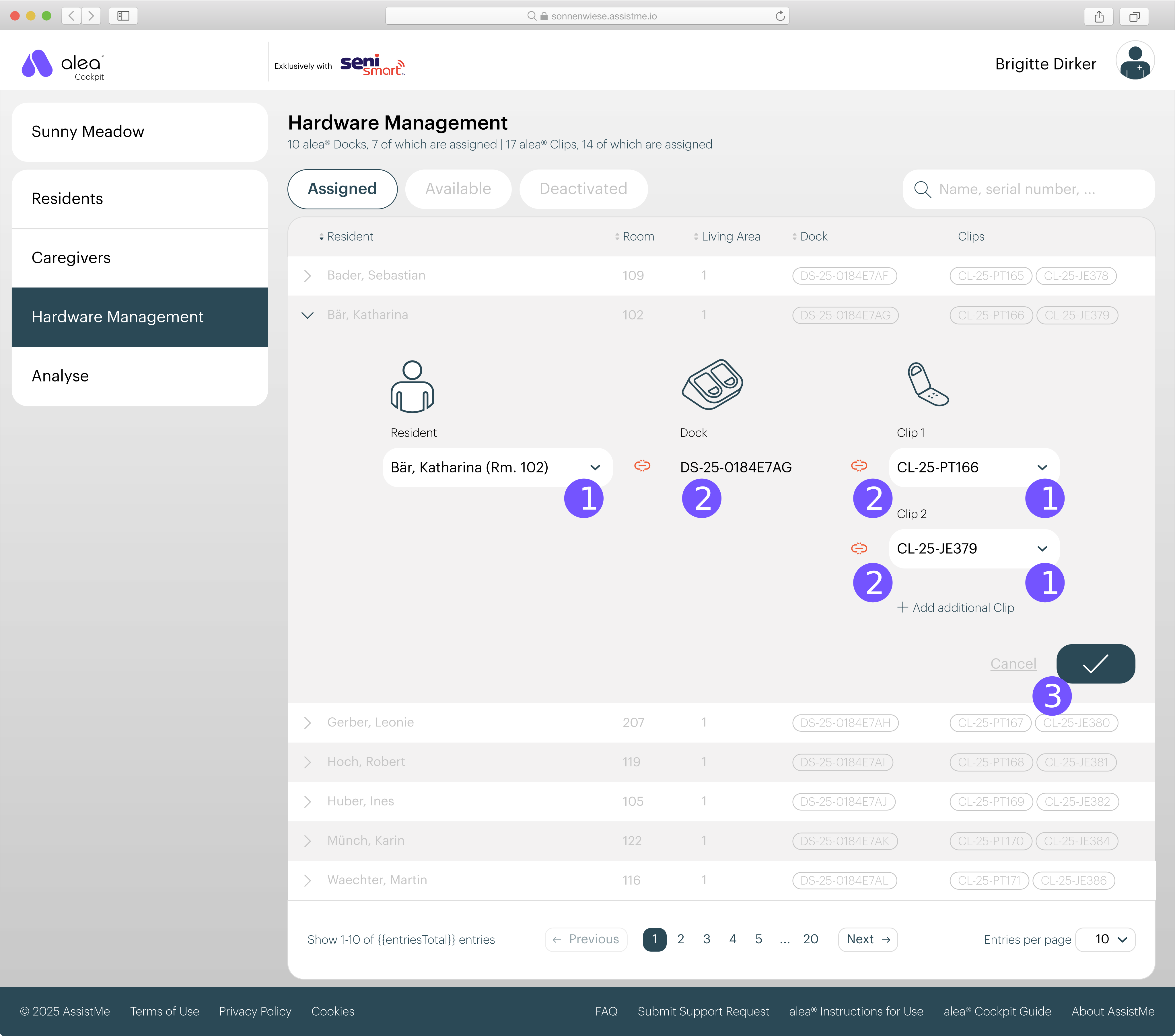
Select one of the docks listed in the Available list (1).
-
In the detailed view that opens, select the relevant resident (2).
-
Confirm your entry by clicking on the tick button at the bottom right (3).
-
Dock and residents are now connected and can be found in the assigned list.