
Intended Use of Individual Components
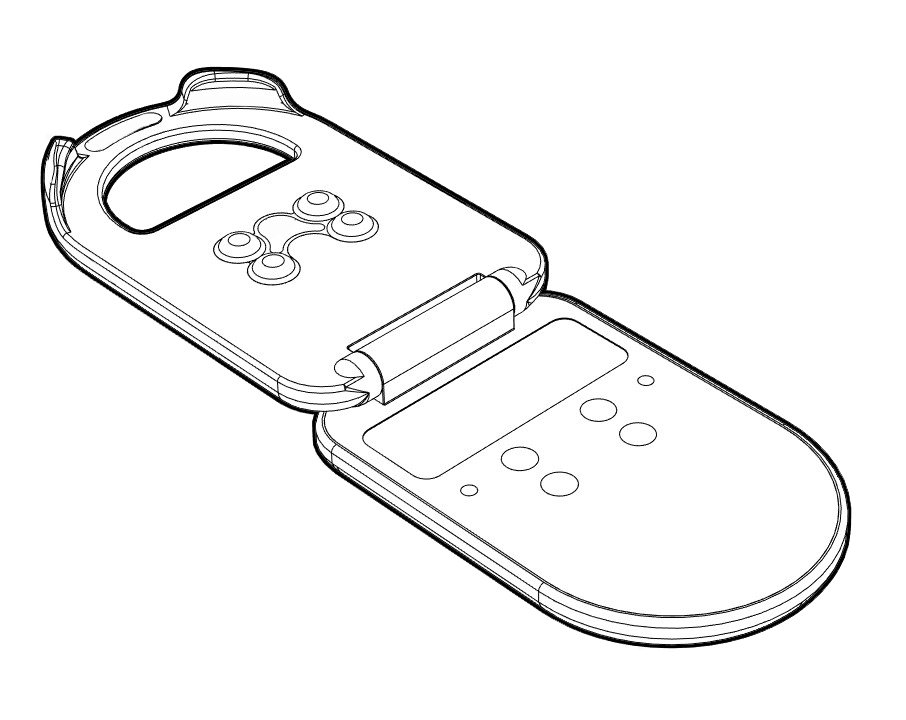
alea Clip
The alea Clip is a hardware accessory to the alea medical device software. It is intended to acquire and transmit sensor data from approved sensor strips and compatible absorbent continence products.
It is used to:
-
acquire sensor data from compatible continence products,
-
transmit these data to the alea medical device software.
The alea Clip does not independently evaluate data and does not make medical or nursing-related decisions.
The alea Clip is intended exclusively for use with approved sensor strips, compatible absorbent continence products and the alea system.
alea Dock
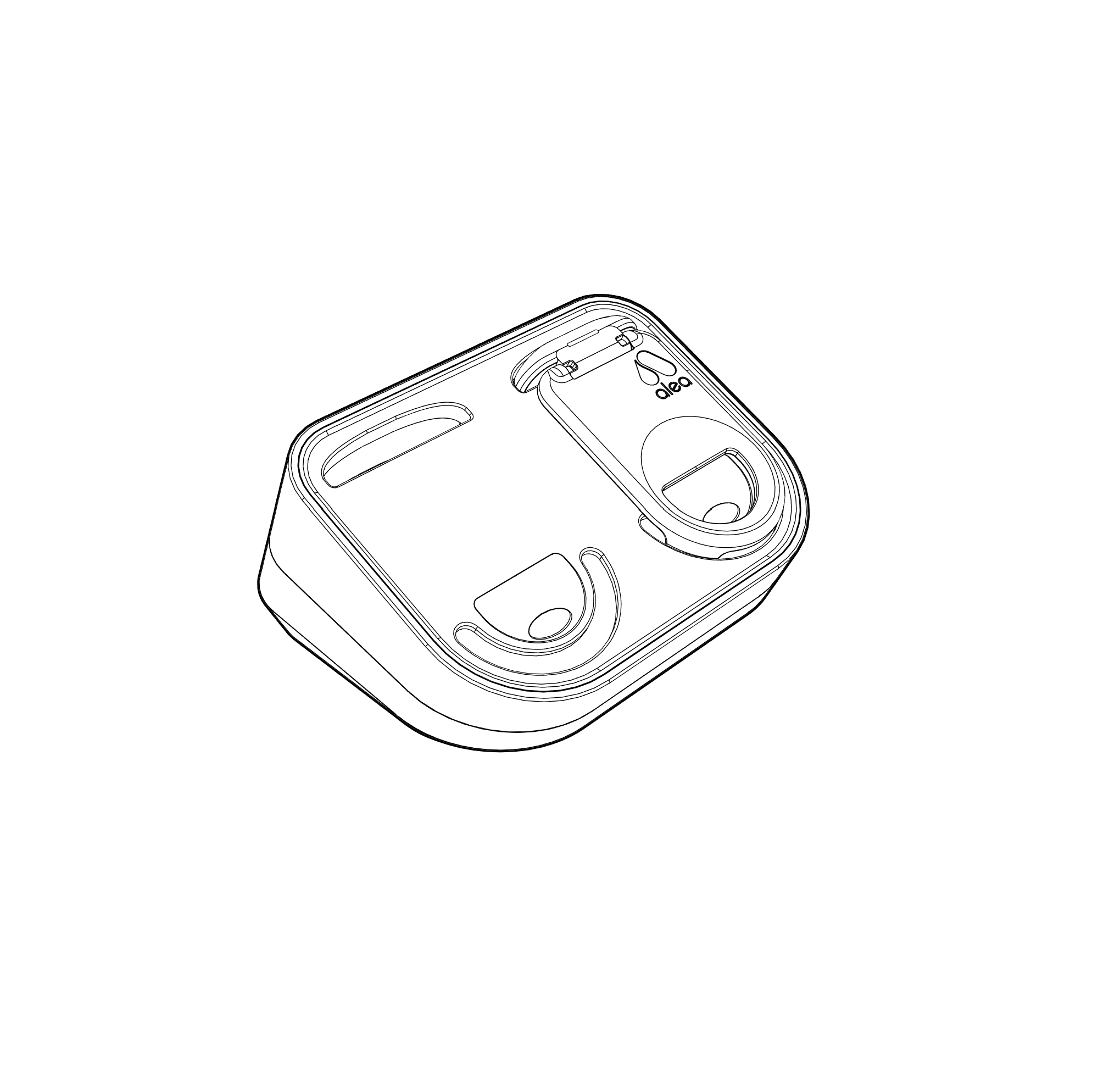
The alea Dock is a hardware accessory to the alea medical device software. It serves as the charging and data transmission station for the alea Clip.
It is used to:
-
hold and charge the alea Clip,
-
transmit the sensor data acquired by the alea Clip to the alea medical device software.
The alea Dock does not independently evaluate data and does not make medical or nursing-related decisions.
The alea Dock is intended exclusively for use with the alea system.
alea Router
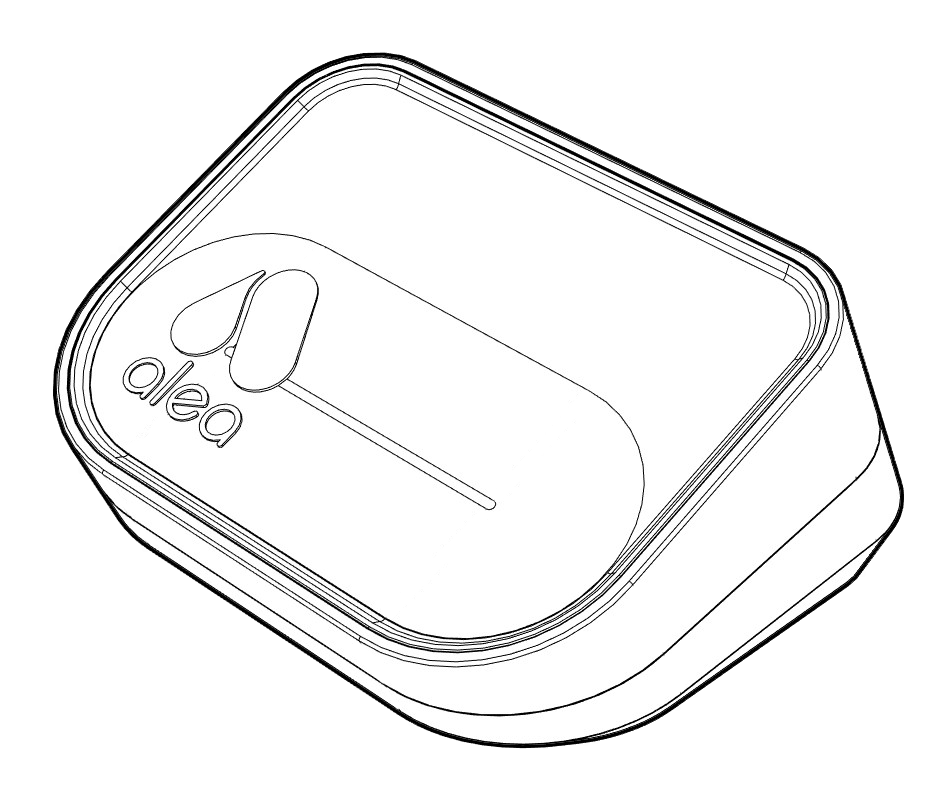
The alea Router is part of the technical infrastructure of the alea system. It supports data transmission within the intended system architecture.
It is used to:
-
support data transmission within the system,
-
provide connectivity between the system components and the backend infrastructure.
The alea Router does not independently process or evaluate data and does not make medical or nursing-related decisions.
The alea Router is intended exclusively for use within the intended system architecture.
alea Cloud
The alea Cloud is part of the backend and data processing infrastructure of the alea system.
It is used to:
-
process sensor data transmitted by the system,
-
provide information, status indicators, notifications and reminders,
-
make these available to the alea App and the alea Cockpit,
-
manage user and system settings, and
-
store system-related history and event data.
The alea Cloud processes the data transmitted by the alea system and is part of the intended system architecture.
alea App
The alea App is the mobile user interface of the alea medical device software.
It is used to:
-
display information, status indicators, notifications and reminders,
-
enable authorized care professionals to use the alea medical device software on mobile devices,
-
support the organization, planning and prioritization of continence care and the repositioning of care recipients.
The alea App is intended for use on approved mobile devices.
alea Cockpit
The alea Cockpit is the browser-based user interface of the alea medical device software.
It is used to:
-
provide information, status indicators, notifications and reminders,
-
manage care recipients, care settings and system configurations,
-
administer users and roles, and
-
support the organization, planning and prioritization of continence care and the repositioning of care recipients.
The alea Cockpit is intended for use as a browser application on approved workstation systems.
Technical Data of Individual Components
The following technical specifications apply to the approved primary components of the system. They provide an overview of the essential technical conditions for operation, storage, and classification of the hardware within the intended care environment. The values are based on the system's technical documentation.
Technical Specifications of Main Components
alea Clip
|
Parameter |
Value |
|---|---|
|
Wireless Technology |
BLE (Bluetooth Low Energy) |
|
Radio Frequency |
2.4 GHz |
|
Operating Voltage |
2.7–3.3 V |
|
Dimensions (L × W × H) |
61 × 38 × 11.5 mm |
|
Weight |
20 g |
|
Expected Service Life |
3 years |
alea Dock
|
Parameter |
Value |
|---|---|
|
Wireless Technology |
BLE, Wi-Fi 6, LTE-M |
|
Radio Frequency |
2.5 GHz2.4 / 5 GHz800–2600 MHz |
|
Operating Voltage |
5 V |
|
Dimensions (L × W × H) |
108 × 83 × 55 mm |
|
Weight |
160 g |
|
Expected Service Life |
3 years |
alea Router
|
Parameter |
Value |
|---|---|
|
Wireless Technology |
BLE, Wi-Fi 6, LTE-M |
|
Radio Frequency |
2.5 GHz2.4 / 5 GHz800–2600 MHz |
|
Operating Voltage |
5 V |
|
Dimensions (L × W × H) |
108 × 83 × 55 mm |
|
Weight |
147 g |
|
Expected Service Life |
3 years |
Communication between system components is performed wirelessly using the designated communication standards. The alea Dock and alea Router are intended to be powered via USB-C cable and USB-C power adapter. The corresponding USB-C accessories are specified in the technical documentation and referenced standards.
Environmental Conditions for Operation
alea Clip
|
Condition |
Range |
|---|---|
|
Operating Temperature |
0 °C to +45 °C |
|
Operating Humidity, Non-Condensing |
15% RH to 90% RH |
|
Atmospheric Pressure |
600 hPa to 1150 hPa |
alea Dock
|
Condition |
Range |
|---|---|
|
Operating Temperature |
0 °C to +45 °C |
|
Operating Humidity, Non-Condensing |
15% RH to 80% RH |
|
Atmospheric Pressure |
600 hPa to 1150 hPa |
alea Router
|
Condition |
Range |
|---|---|
|
Operating Temperature |
0 °C to +45 °C |
|
Operating Humidity, Non-Condensing |
15% RH to 80% RH |
|
Atmospheric Pressure |
600 hPa to 1150 hPa |
Environmental Conditions for Storage and Transport
alea Clip
|
Condition |
Range |
|---|---|
|
Storage and Transport Temperature |
-20 °C to +65 °C |
|
Storage and Transport Humidity |
60% RH to 80% RH |
alea Dock
|
Condition |
Range |
|---|---|
|
Storage and Transport Temperature |
-20 °C to +65 °C |
|
Storage and Transport Humidity |
60% RH to 80% RH |
alea Router
|
Condition |
Range |
|---|---|
|
Storage and Transport Temperature |
-20 °C to +65 °C |
|
Storage and Transport Humidity |
60% RH to 80% RH |
Additional Technical Notes
-
The alea Clip is rated IP65 according to the technical documentation.
-
For the alea Clip and alea Dock, the technical documentation specifies a minimum wireless communication range of 10 m in open environments. Actual range may vary depending on building structure and environmental conditions.
-
The alea Dock and alea Router are designed for power supply via USB-C.
The technical specifications of the approved product generation supplied to the customer shall prevail.