|
Meaning |
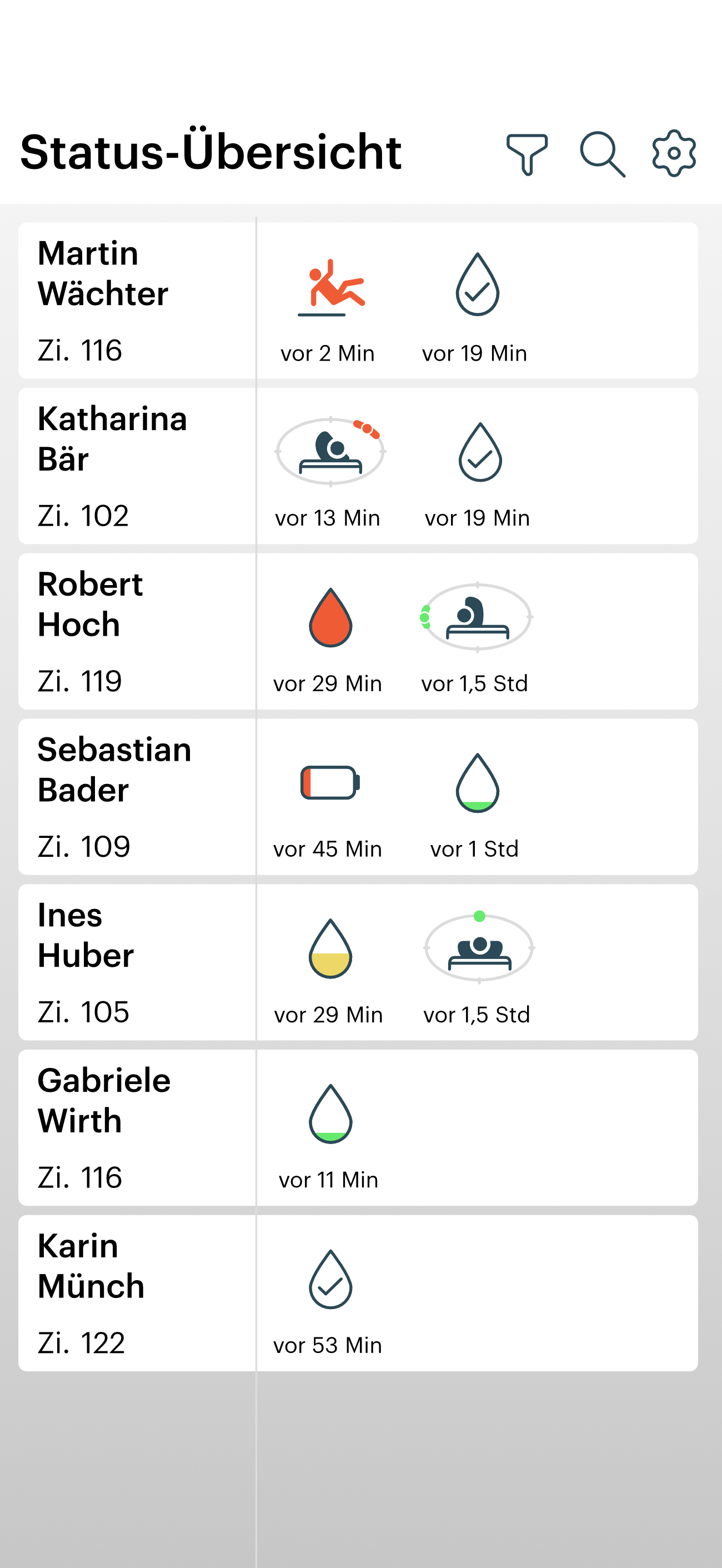
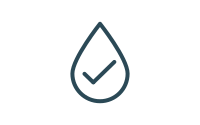
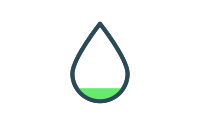
Incontinence (Urine Saturation Indicator Icons) |
|---|---|
|
|
|
No Urine |
|
|
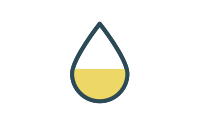
Little |
|
|
Medium |
|
|
Much |
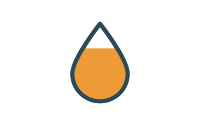
|
|
Full |
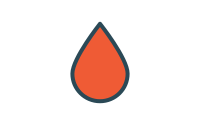
|
|
Meaning |
Suspected Fall Notification (Icon) |
|---|---|
|
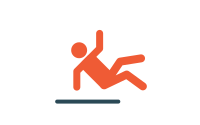
Suspected Fall Notification |
|
|
Meaning |
Area Exit Notification (Icon) |
|---|---|
|
The care recipient has likely left the assigned area. |
|
|
Meaning |
Battery Events (Icons) |
|---|---|
|
Charge Clip Battery (remaining charge approximately 10%) |
|
|
Clip Battery Empty |
|
Repositioning Monitoring (Icons)
|
|---|
|
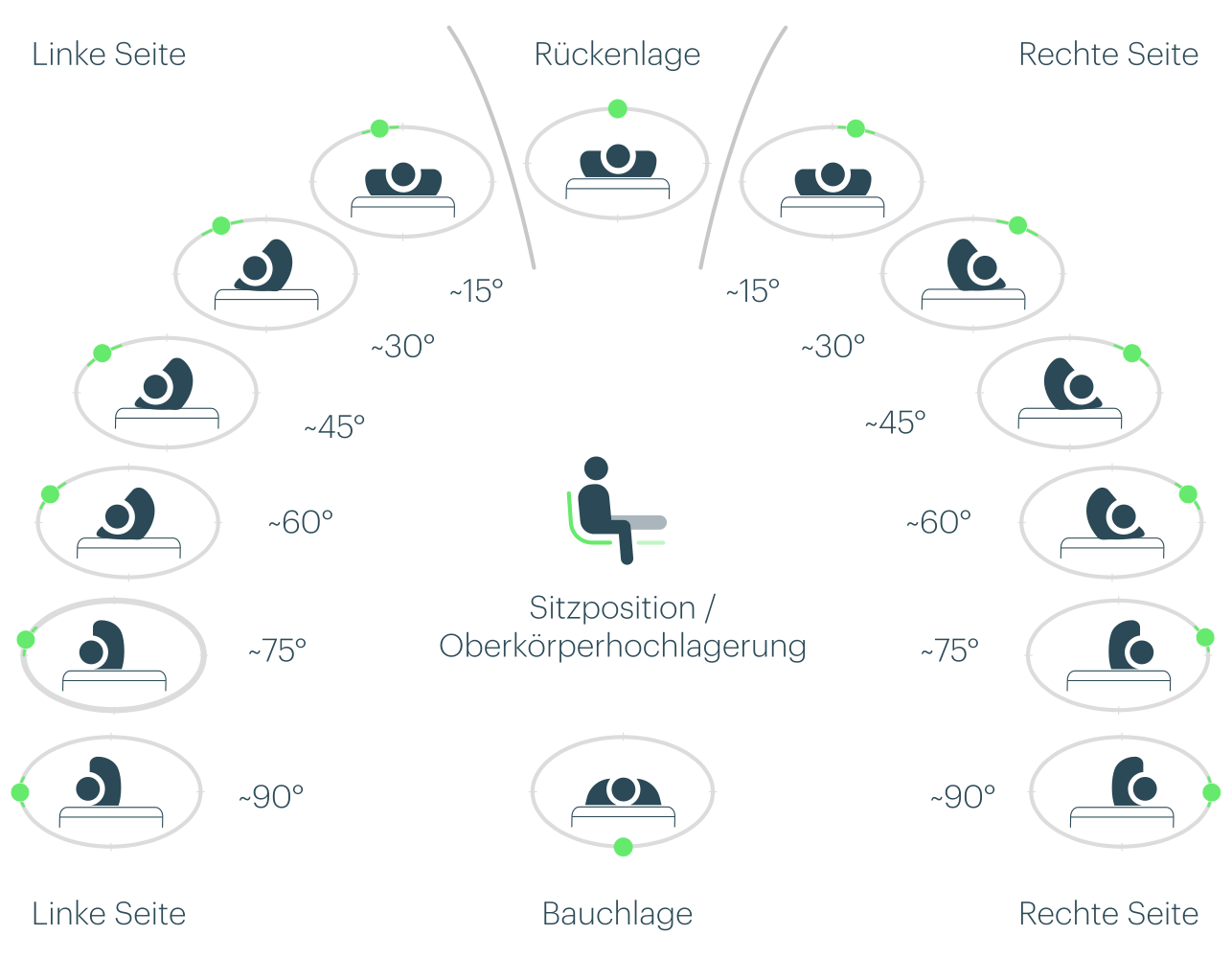
We distinguish between supine and prone positions, right and left lateral positions, as well as sitting or upper-body elevated positions. The right and left lateral positions are further subdivided into six positions with different degrees of rotation. |
|
|
Beispiel Lagerung |
|---|
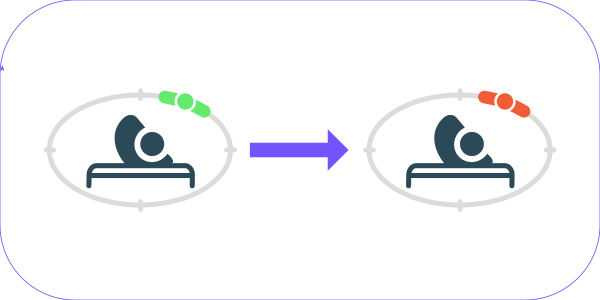
Movement to the Right Side (approx. 30°) → Repositioning Interval Reached |
From Symbol to Action
|
Benachrichtung alea-App 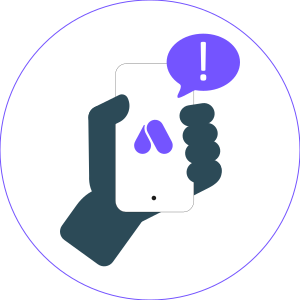
|
Recommended Action 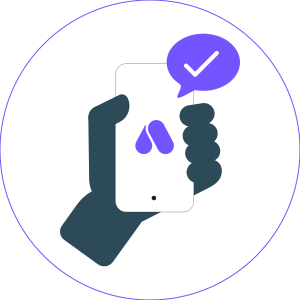
|
|---|---|
|
Event: Saturation Level = High or Full 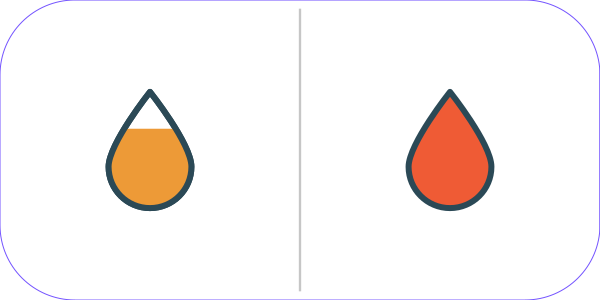
|
Possible Action: Check the incontinence product and replace it if necessary. 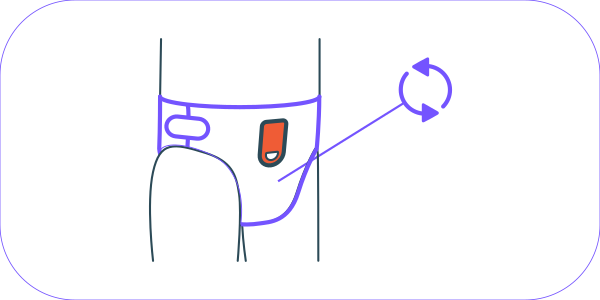
|
|
Event: Repositioning Interval Reached 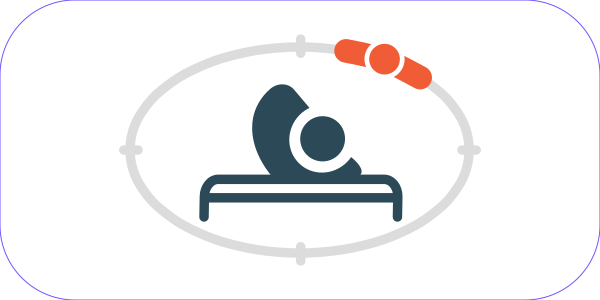
|
Possible Action: Reposition the care recipient into a new position. 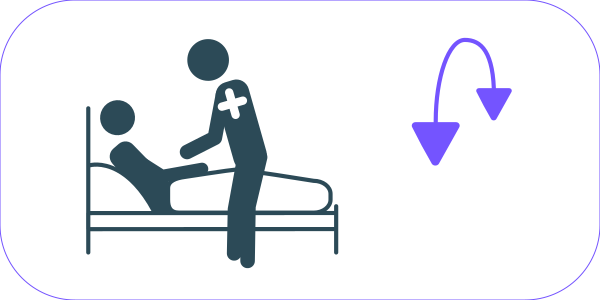
|
|
Event: Suspected Fall Notification 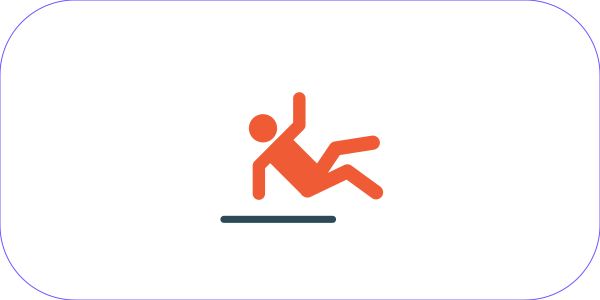
|
Possible Action: Check on the care recipient and provide assistance if necessary. 
|
|
Event: Area Exit Notification 
|
Possible Action: Locate the care recipient and, if necessary, accompany them back. 
|
|
Event: Charge Clip Battery | Clip Battery Empty 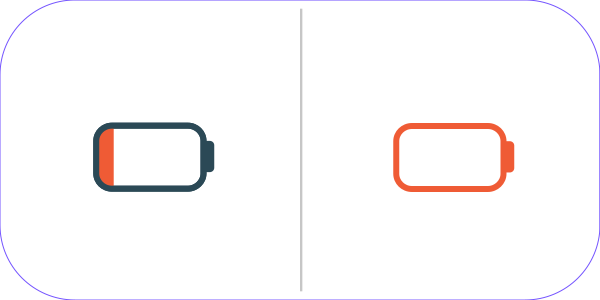
|
Possible Action: Replace the Clip and recharge the (nearly) depleted Clip. 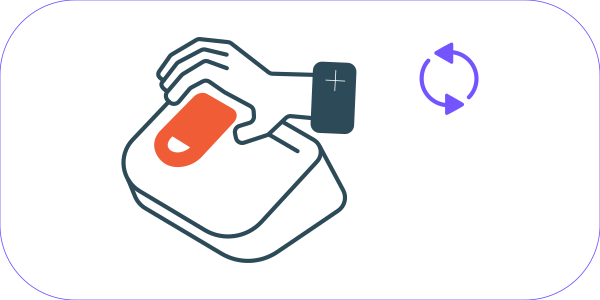
|
|
Event: Clip Not Properly Attached | Two Clips Simultaneously in Use | No Clip Attached to the Incontinence Product 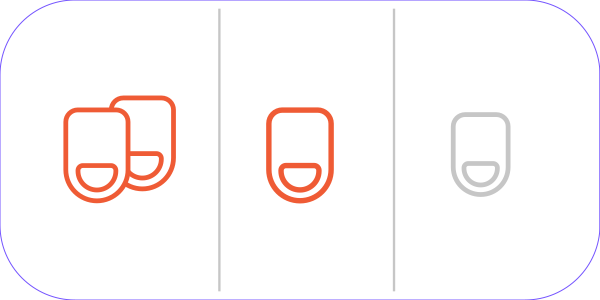
|
Possible Action: Check the Clip attachment on the incontinence product | Return the second Clip to the alea Dock if necessary | Attach or reattach the Clip if required. 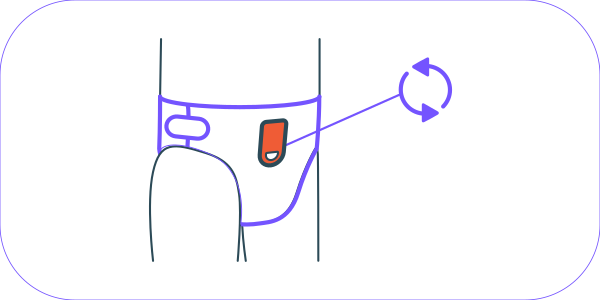
|
|
Event: Clip Presumed Disposed 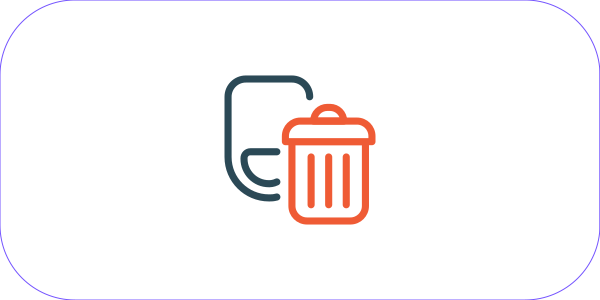
|
Possible Action: Retrieve the Clip from the waste container. 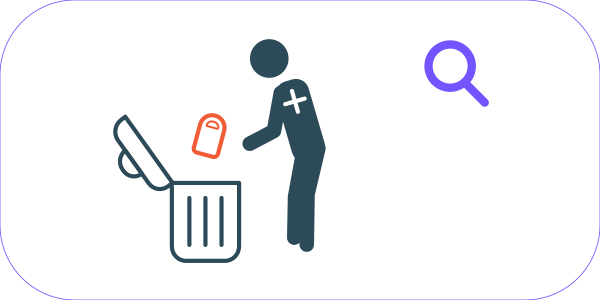
|
|
Event: Clip Connection Error 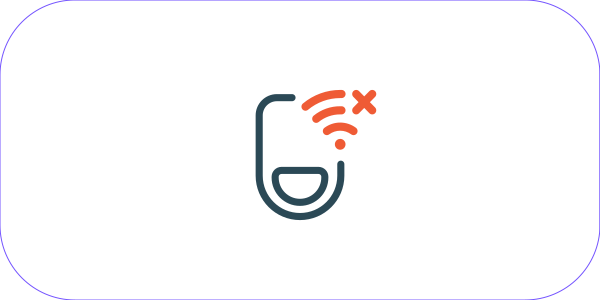
|
Possible Action: Reset the Clip by inserting it into the alea Dock; if necessary, replace the Clip and contact support.
|
|
Event: No Data Connection 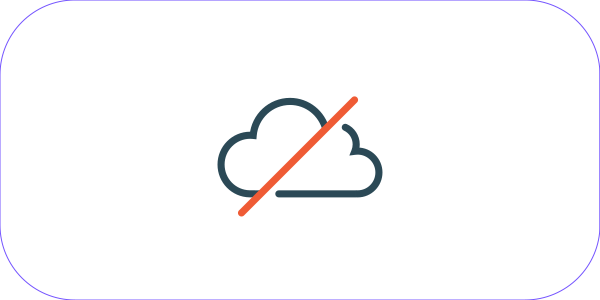
|
Possible Action: Check the power supply of the alea Dock. 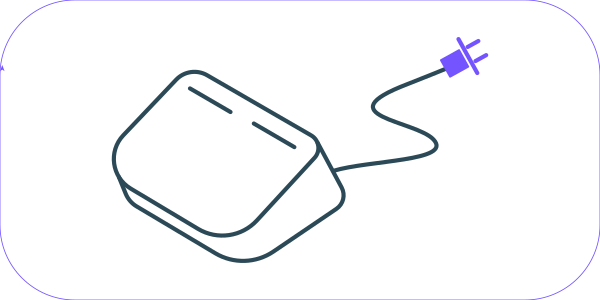
|