3.2.3 | Overview of all notifications by relevance
The order of the symbols displayed in the alea App follows a consistent prioritization. It supports care professionals in assessing information and notifications according to their relevance and the current care situation.
Category 1: System Status Notifications
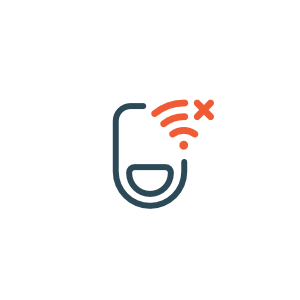
No Data Connection
Clip Connection Error
No data are currently being transmitted.
As a result, information and status indicators in the alea App may be delayed or unavailable.
These notifications relate to the technical status of the system.
Category 2: Clip Status Notifications
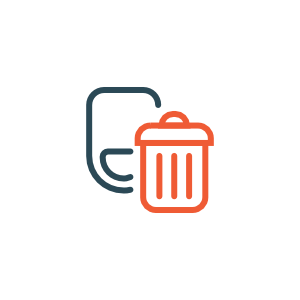
Clip Presumed Disposed
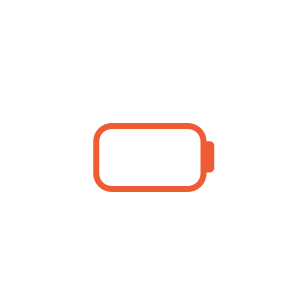
Clip Battery Empty
Two Clips Simultaneously in Use
No Clip Attached to the Incontinence Product
Clip Not Properly Attached to the Incontinence Product
These notifications relate to the operating status of the alea Clip.
Please assess the respective situation and, if necessary, restore the proper operation of the system.
These notifications support care professionals in assessing the current care situation and, where appropriate, prioritizing any necessary actions.
The professional assessment of the situation and the decision regarding any further action always remain the responsibility of the responsible care professionals.
Category 4: Current Care Status Information
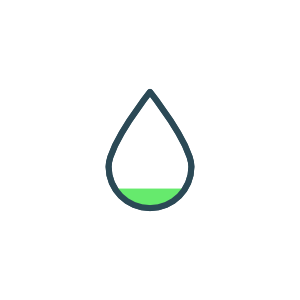
Saturation Low
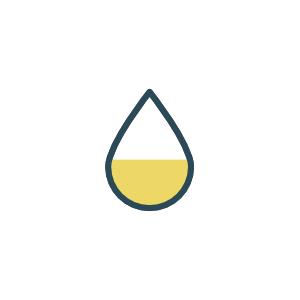
Saturation Medium
Change of Body Position Detected
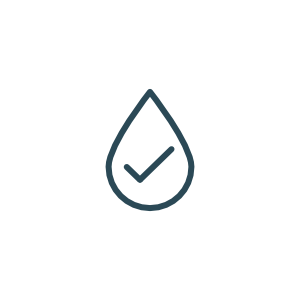
No Fill Level detected
These notifications describe the current status of the system or the compatible continence product.
They are provided for informational purposes and do not necessarily require immediate care-related action.