
General information
-
Care managers can set up and create the alea app user accounts for each care setting and its carers at any time.
-
The care managers provide the user name and customer ID depending on the care setting selected. If required, the care managers also provide the mobile devices for using the alea app.
The alea app can also be used in parallel or exclusively, depending on the requirements of the care setting, in the browser on all browser-enabled computer devices. AssistMe provides those responsible for care with the alea app URL required for logging in in advance - similar to the provision of the URL to the alea cockpit.
Download of the alea App
|
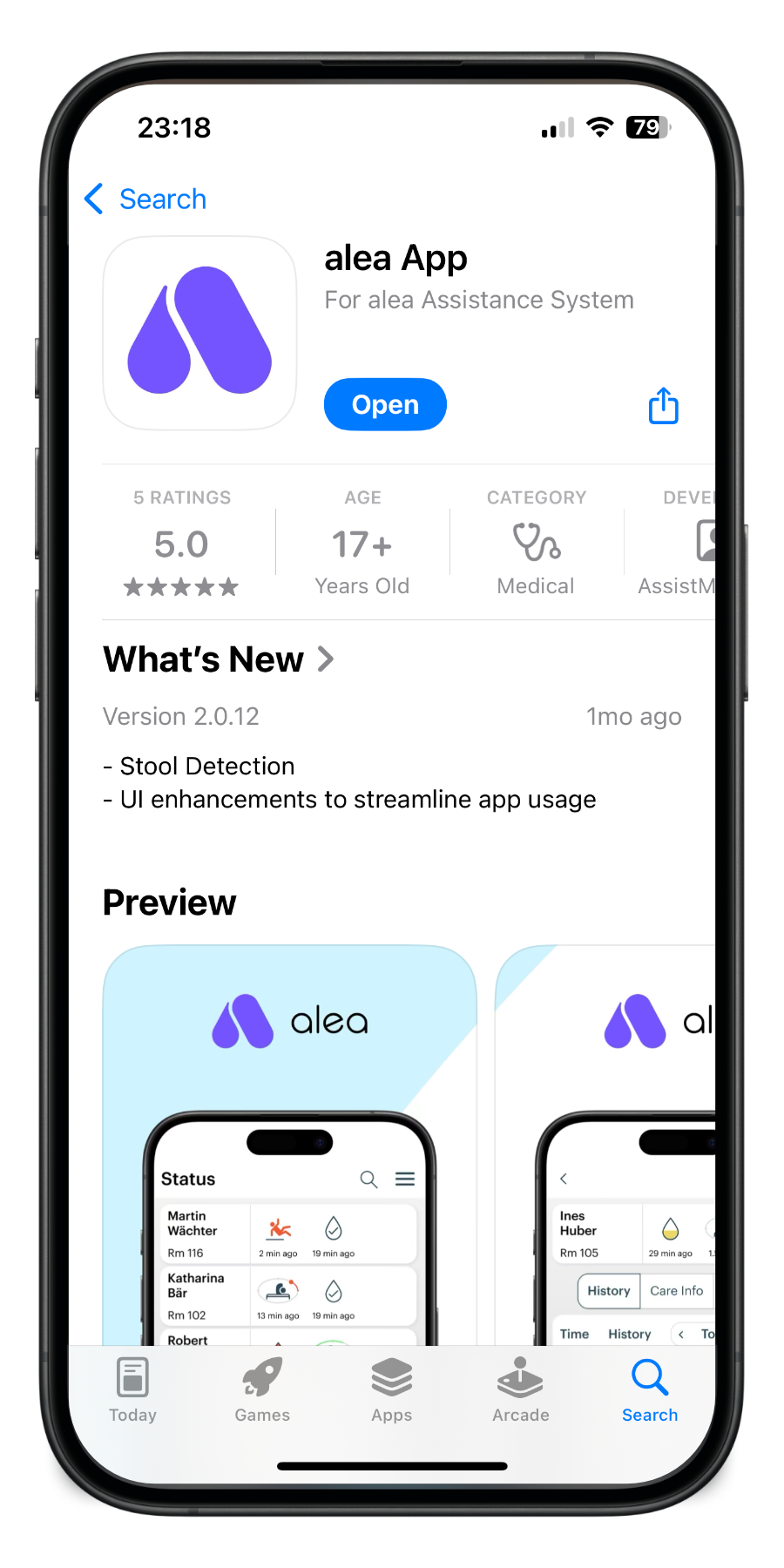
finding alea in the Store |
|
|
iOS/App-Store: URL für Download |

|
|
iOS/App-Store: URL für Download |

|
Registration
-
Any user of a mobile device can download the alea App from the respective app store (see also the QR codes on this page).
-
Using the account previously created in the alea Cockpit and the Care Facility ID generated within the alea Cockpit, users can authenticate themselves and log in to the alea App.
Operating System Information
-
The alea App is intended for use with the supported mobile operating systems described in Section 1.4.3, “Mobile Devices”.
-
For stable and secure operation, the mobile device used must meet the minimum requirements specified therein regarding operating system version, security updates, internet connectivity, and notification permissions.
-
Use of unsupported operating system versions, outdated security levels, or manufacturer-specific restrictions affecting background processes may result in limitations regarding login, synchronization, status display, or push notifications.
-
The technical requirements defined in Section 1.4.3 therefore remain authoritative for use of the system.